01Step 1 of 5
Tell it about you
Weight, height, gender and whether you work out. It takes about twenty seconds.
Weight72 kg
Height178 cm
Workout day+500 ml
Your goal3,150 ml
Download on Google Play
H2O works out how much water you need, reminds you at the right moments through your day, and shows your progress as water filling a silhouette of you. Everything stays on your phone.
Why H2O
Most water apps wait for you to remember them. H2O does the remembering for you.
Your weight, height, gender and workouts set your daily target. No one-size-fits-all eight glasses.
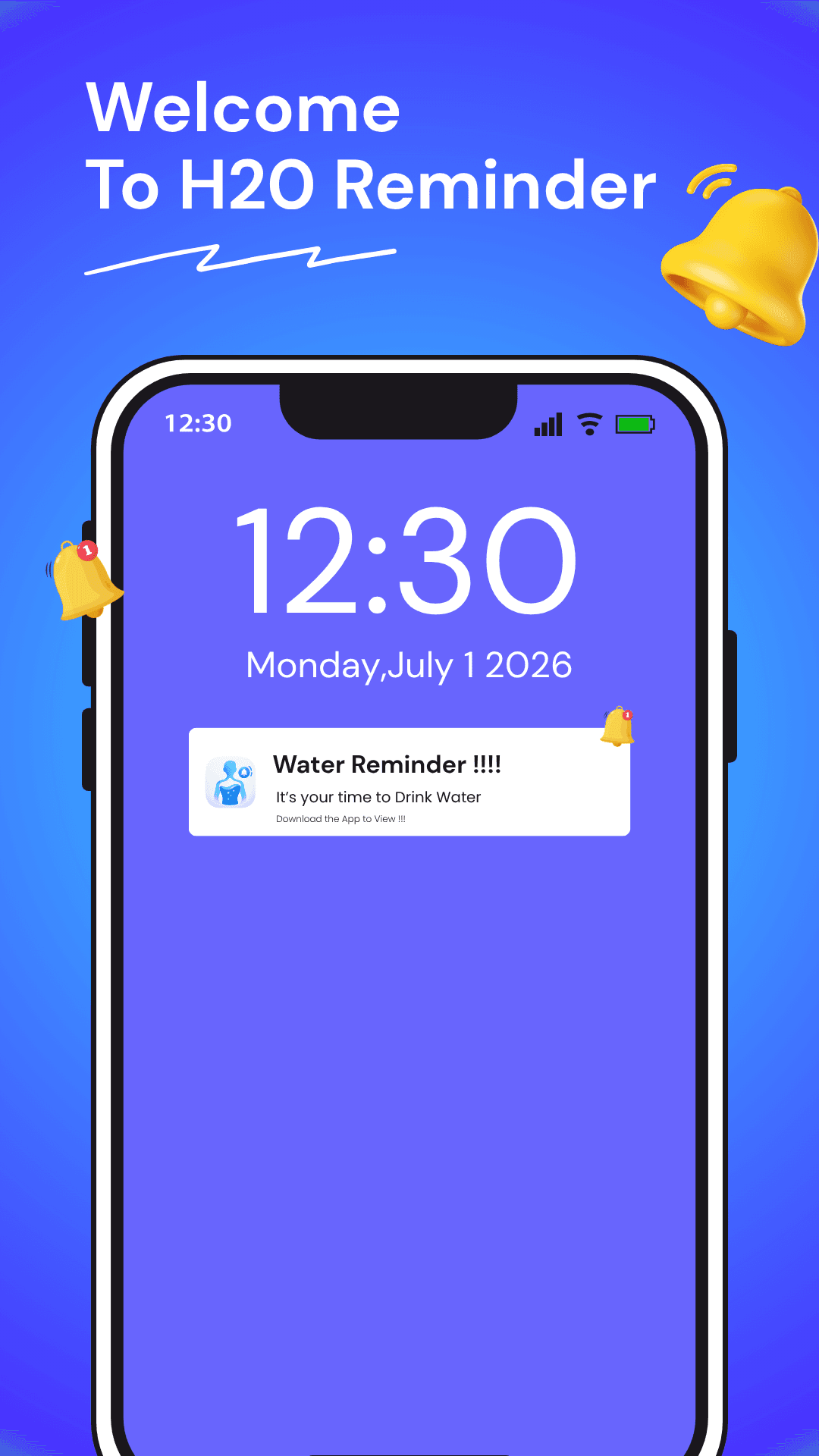
Alerts ring like an alarm, with vibration and a 28-second tone. Their timing adjusts automatically to your day.
Each drink raises the water inside a silhouette of you, in the app and on your home screen.
No account to create. Your profile, drinks and history stay on your device, and nowhere else.
How it works
Five quick steps. No account to create, and everything you enter stays on your device.
Features
You'll spend most of your time in two places: the app's Today screen and the widget on your home screen.
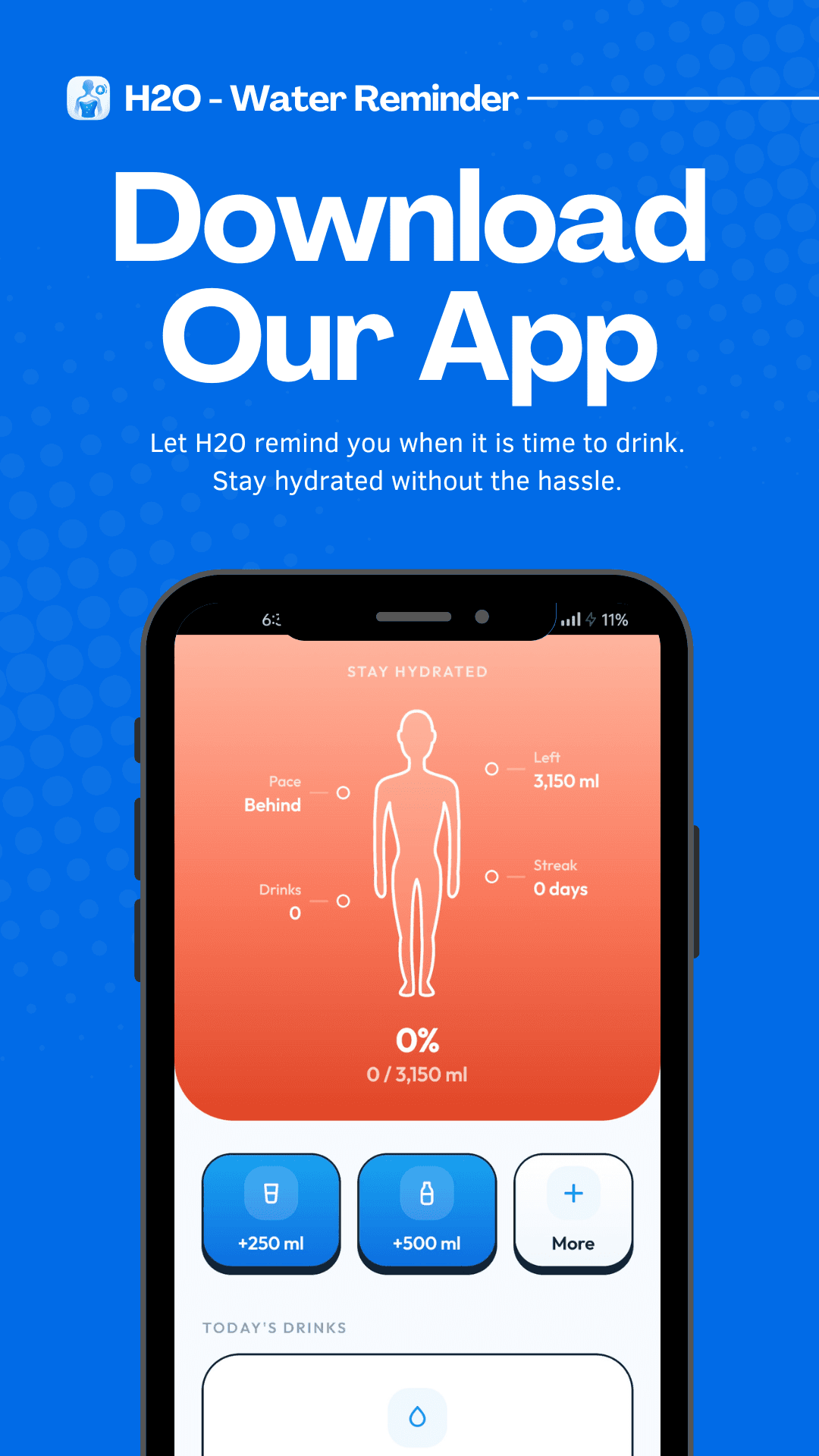
The Today screen
Every drink raises the water inside a silhouette of you. Your pace, drinks, streak and what's left sit right beside it, so one glance tells you how the day is going.
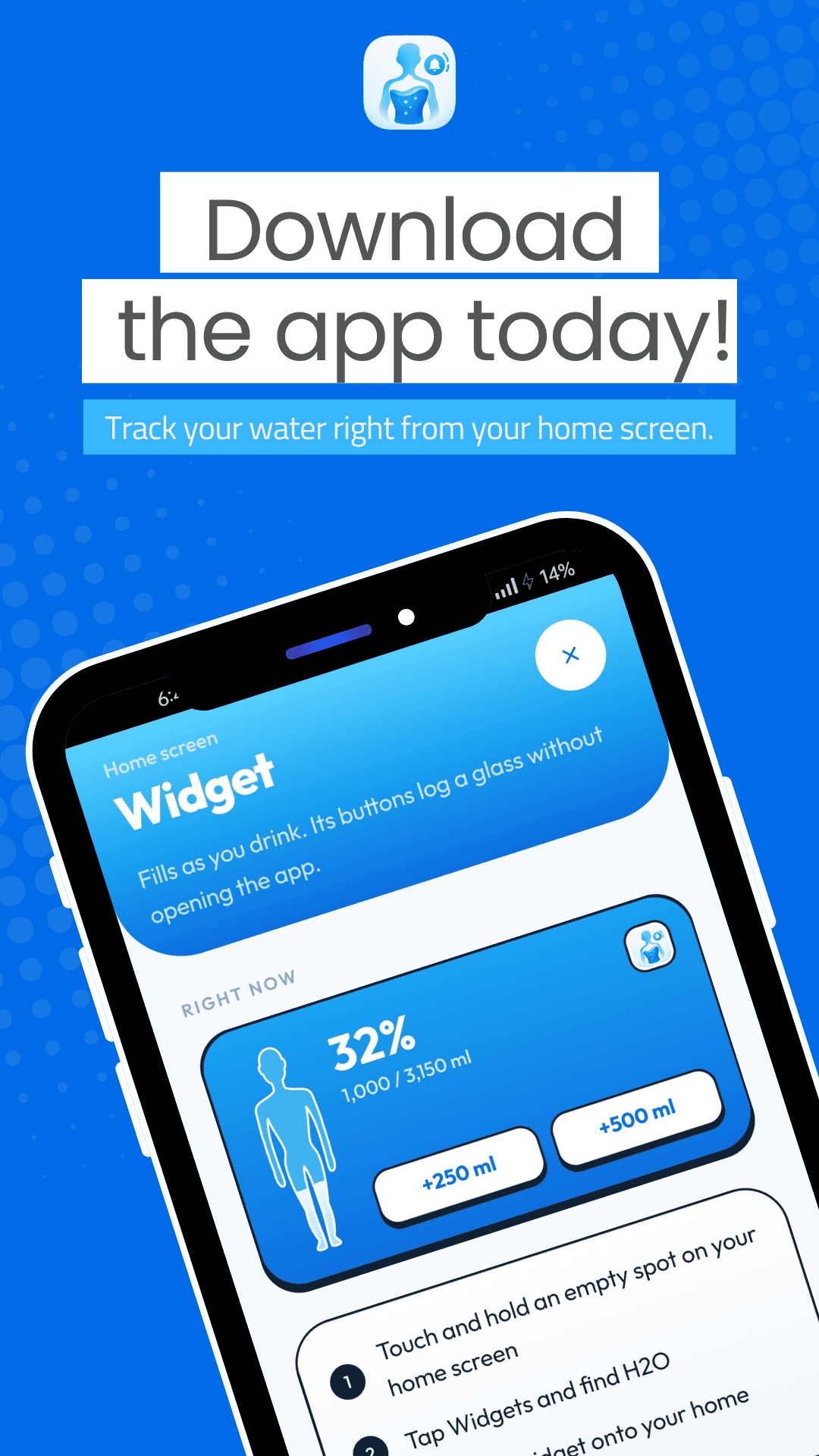
Home-screen widget
The same gauge lives on your Android home screen, with +250 and +500 buttons right on it.
Also inside
A running daily streak and your best ever, shown where you'll notice them.
Also inside
Week bars against your goal, a calendar of good days and a day-by-day log.
Also inside
Use any tone you like for reminders, and change your wake and sleep times whenever you need.
FAQ
Short answers about how H2O works and what it does with your data.
H2O is an Android app that reminds you to drink water. It sets a daily goal from your body, sends alarm-style reminders at the right moments through your day, and shows your progress as water filling a silhouette of you.
It depends on your body and how active you are. H2O calculates a personal daily goal from your weight, height, gender and whether you work out, adds 500 ml on workout days, and keeps the goal between 1.2 and 4.5 litres. For medical advice, talk to a doctor.
Reminders ring like an alarm, with max-priority alerts, vibration and a tone of about 28 seconds, so they are hard to miss. You can use your own ringtone, and reminder timing adjusts automatically to your wake and sleep times.
Tap Glass to add 250 ml or Bottle to add 500 ml. For any other amount, use the quick slider. You can also log from the home-screen widget without opening the app.
Yes. The widget shows your progress on your Android home screen and has +250 ml and +500 ml buttons. Touch and hold an empty spot on your home screen, tap Widgets, find H2O and drag it into place.
No account is needed. Your profile, drinks and history are stored on your device and stay there.
H2O is available for Android phones on Google Play.
Download the app
Download H2O from Google Play. No account to create, and everything you log stays on your device.